 Klemy Treadmill
A walking pad app for iPhone and Apple Watch
Hands on the desk, a watch undercounts your steps. Turn on Estimate Steps from Speed and Klemy Treadmill works them out from your pad’s distance. It also runs planned walks and saves every one to Apple Health.

- KingSmith WalkingPad
- Steps at your desk
- Apple Watch on its own
- No account
Which walking pads work
Your pad works if it shows up under Fitness Machines in the app’s Devices list.
- KingSmith WalkingPad
- Pads whose Bluetooth name starts with KS-. The app reads their speed and distance. Turn on Use Treadmill Step Count to record the step count some of them send.
- Other Bluetooth FTMS pads
- Wellfit and any other pad that speaks Bluetooth FTMS send their speed, distance and time to the app.
- A pad without Bluetooth
- Set your speed in the app and it calculates distance and pace.
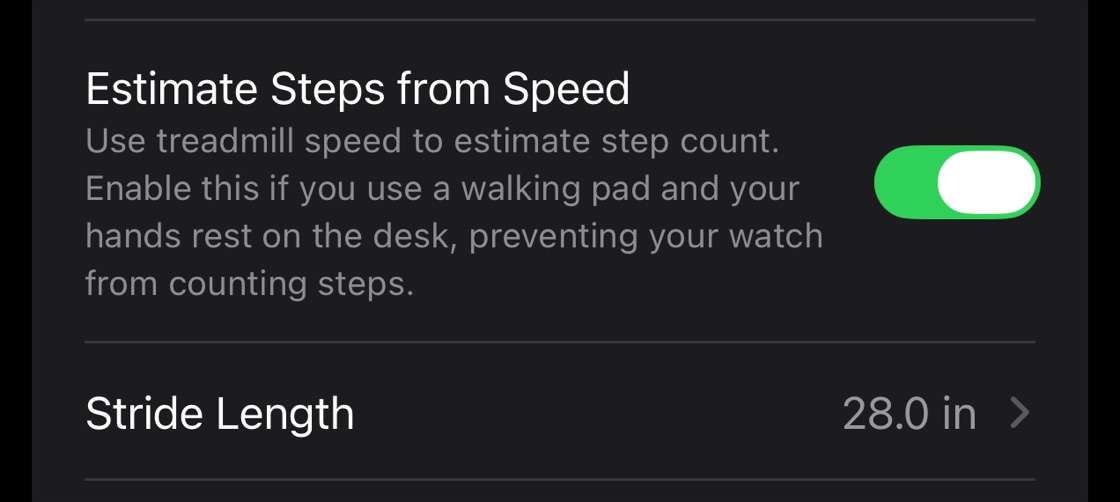
Steps at your desk
A watch counts steps from your arm swing, so with your hands on a desk it undercounts. Turn on Estimate Steps from Speed and the app works steps out from your pad’s distance and your stride length instead, and saves them with the walk to Apple Health. It is an estimate, made for walking.
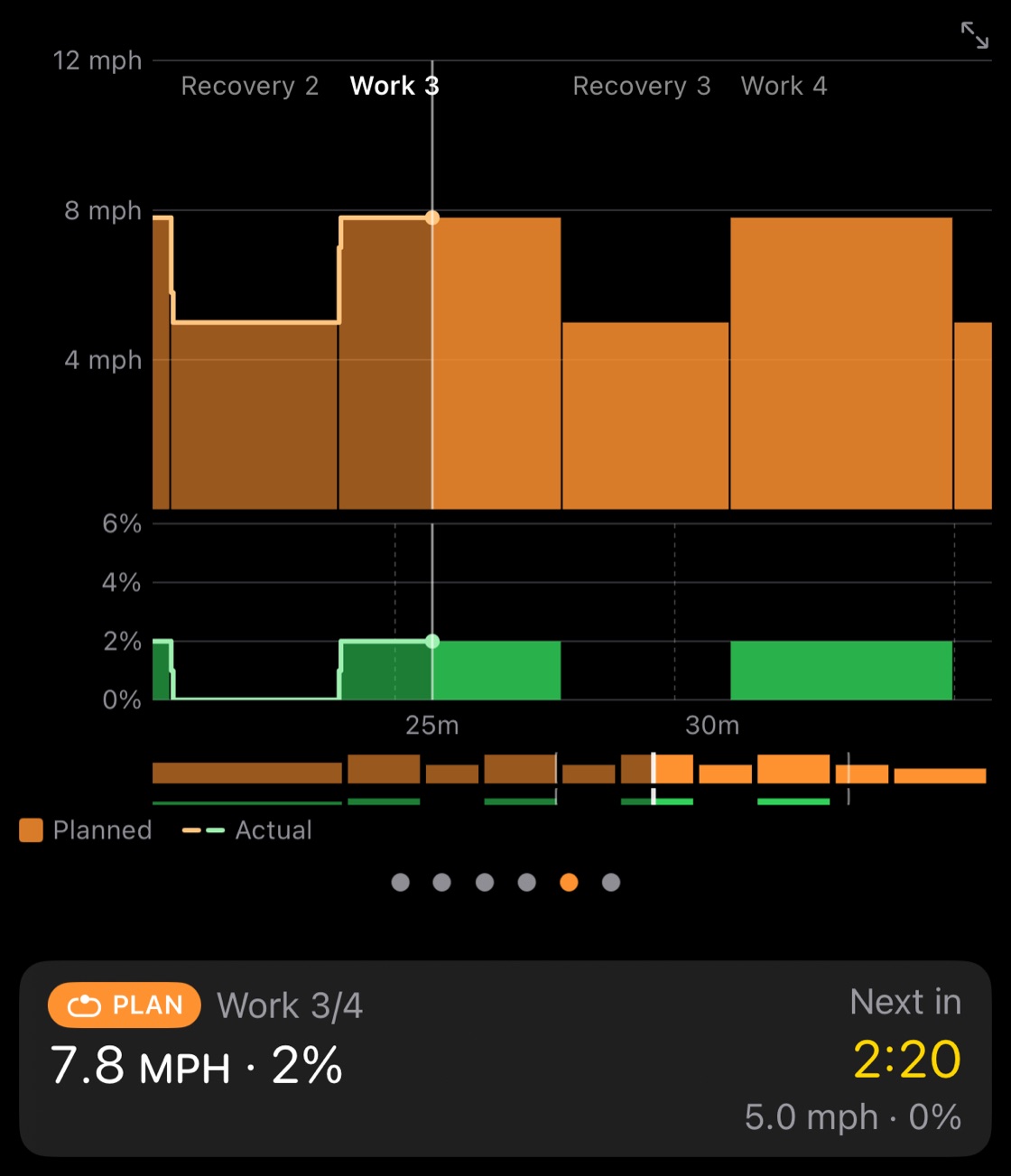
Planned walks
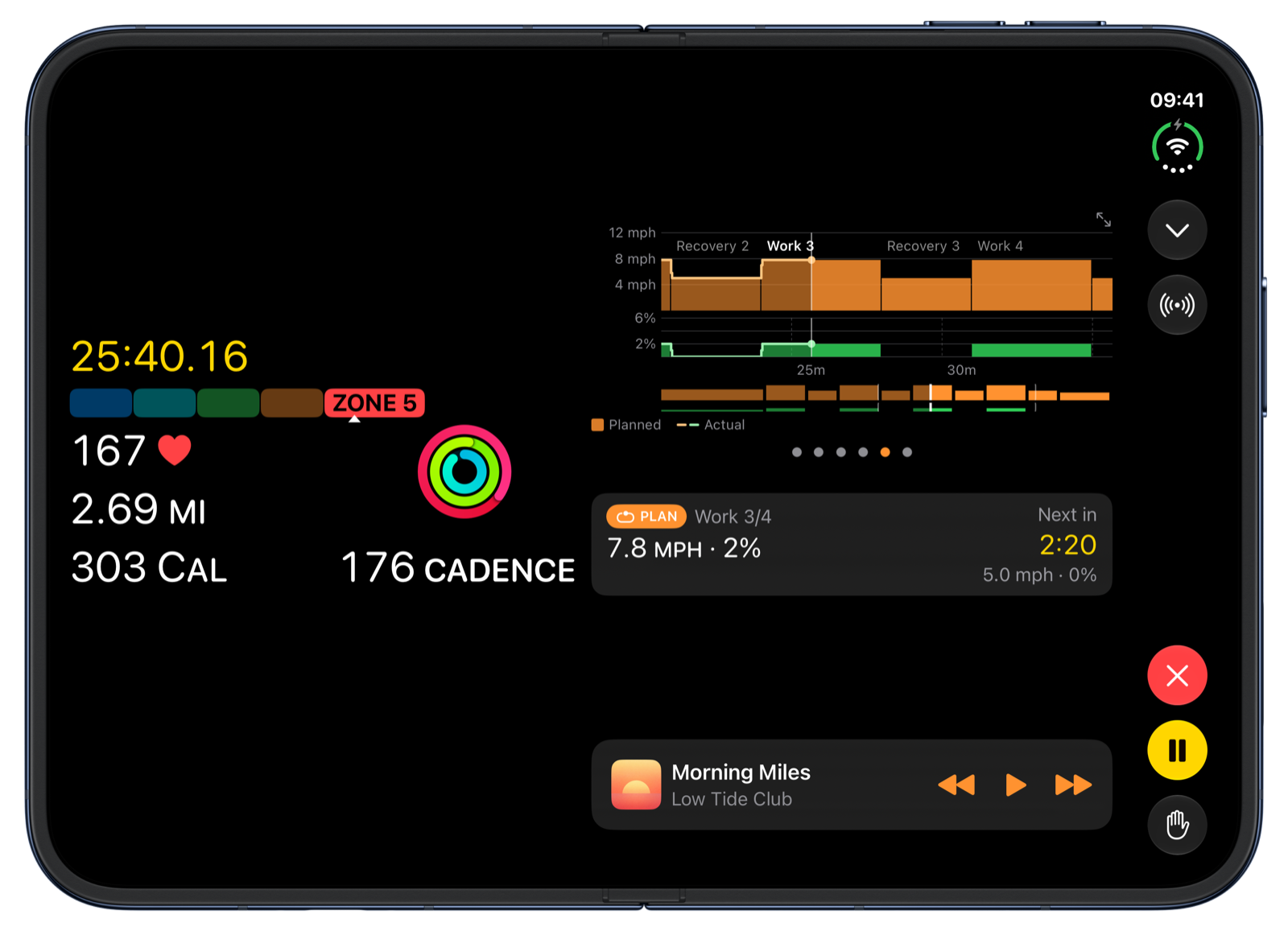
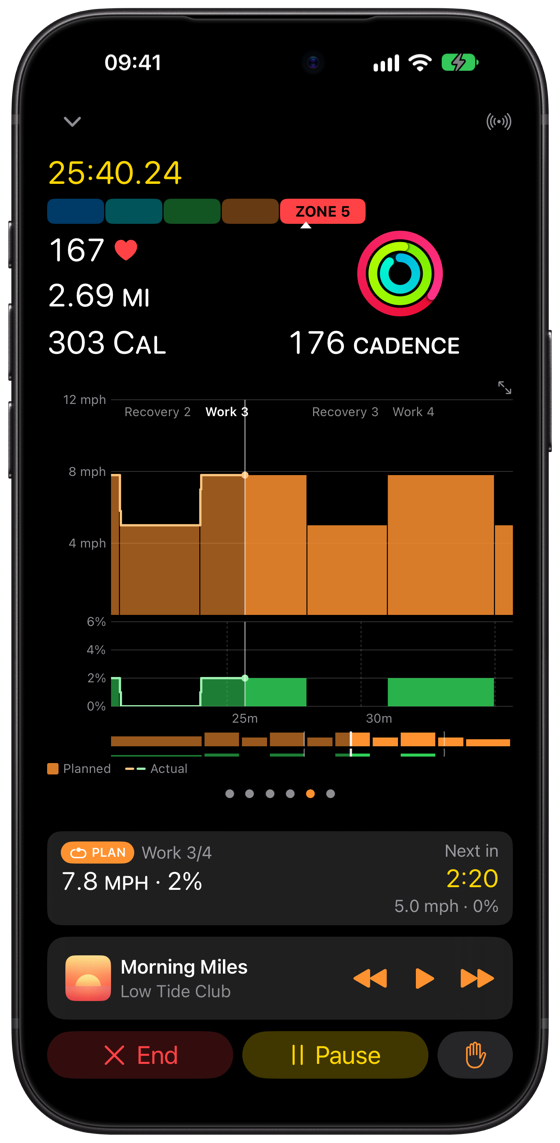
Interval Walk is five rounds of 3 minutes brisk and 3 minutes easy. On a pad that takes speed commands, the app changes the speed at every step. Or build your own walk.
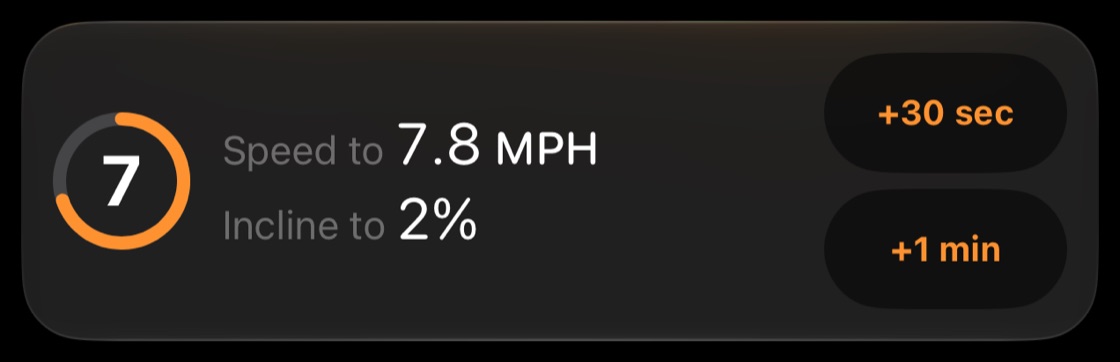
When the pad ignores the app
Some pads ignore speed changes in Auto mode, or while their own app holds the connection. The app tells you, and the plan counts down to what to set by hand.
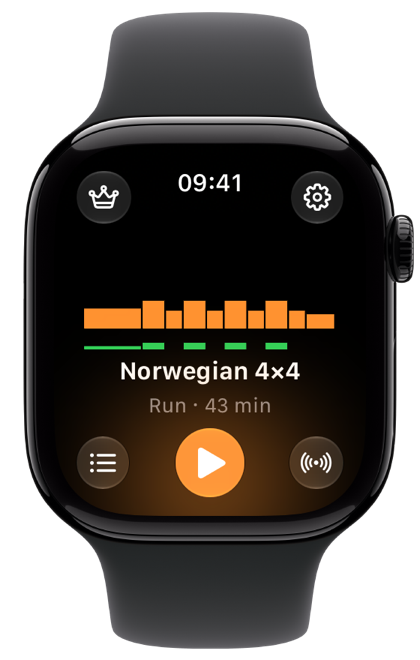
On your wrist
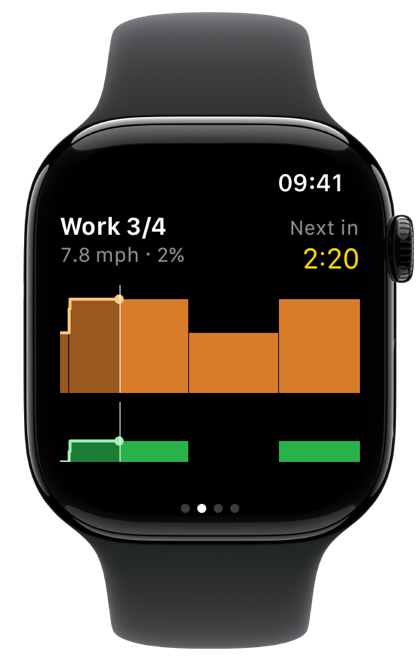
Start a walk on Apple Watch alone. The Watch connects to the pad itself, and your recent plans are on its start screen.
Questions
- Can I use it instead of the KS Fit app?
- Yes. Klemy Treadmill connects to the pad itself. Close KS Fit first, because a pad talks to one app at a time.
- Will my steps count at a standing desk?
- Yes, once you turn on Estimate Steps from Speed in Device Settings, on the device that is connected to the pad. The app then works out steps from distance and your stride length, which starts from your height and you can adjust. It does not depend on how your wrist moves. It is an estimate, made for walking. KingSmith pads that send their own step count can record that instead: turn on Use Treadmill Step Count.
- Should I wear my Apple Watch on my ankle?
- Some walking pad owners do. A foot keeps moving when your hands are on the desk, and some owners report better step counts than from the wrist. To count the Watch’s own steps, turn off both Estimate Steps from Speed and Use Treadmill Step Count in Device Settings, on the device that is connected to the pad.
- Does my data leave my device?
- Workouts go to Apple Health and the rest syncs through your own iCloud. None of it reaches us.